
Design Tools for Non-Designers: Create Stunning Graphics Without a Design Degree
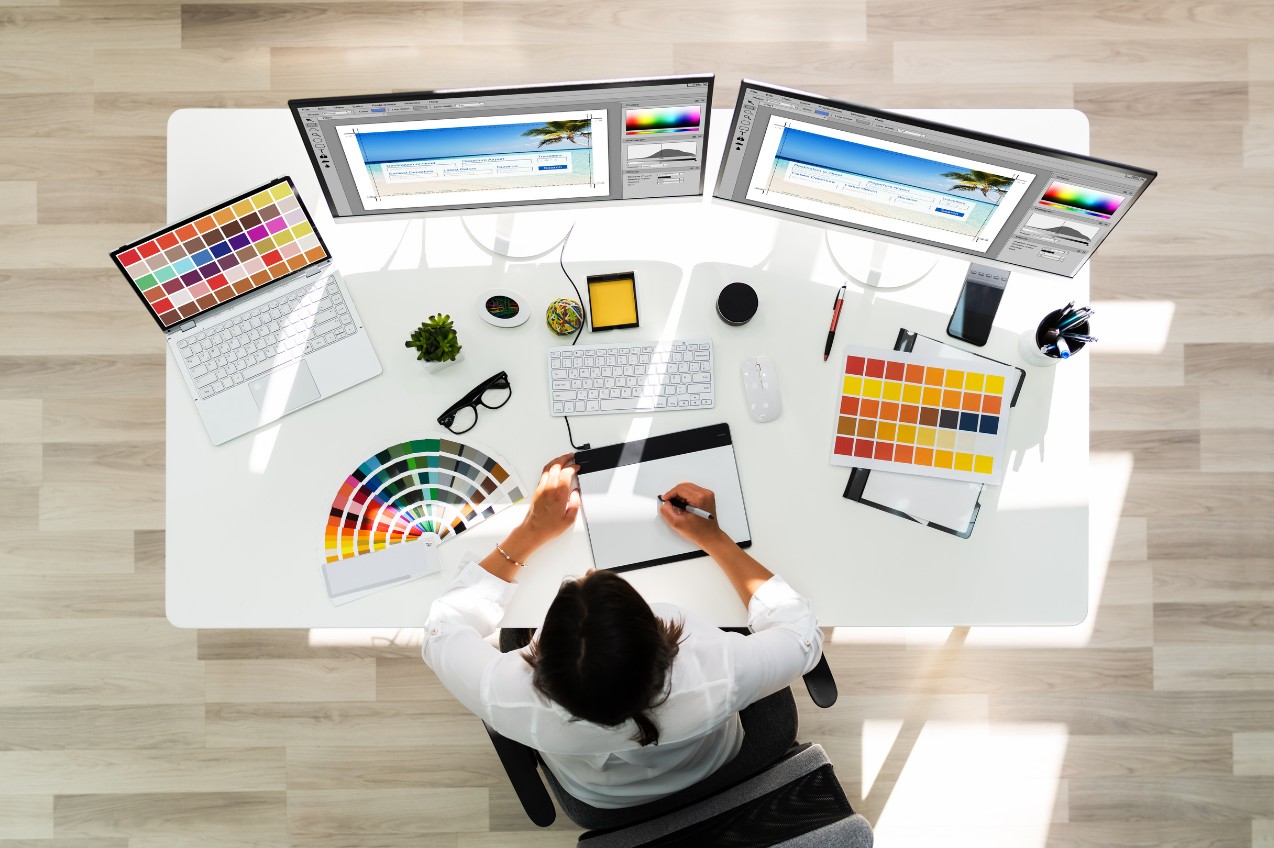
Design once belonged only to professionals with Photoshop licenses and art school backgrounds. Today, entrepreneurs, educators, and marketers alike need to create beautiful visuals fast — social media posts, infographics, product packaging, and marketing materials — often without a design team. The good news? A wave of intuitive, AI-powered design platforms now bridges this gap. The right online tool allows anyone to produce studio-quality results in minutes. Below, we explore the best online design tools for non-designers, focusing on accessibility, collaboration, and time-to-output.
Fotor — Quick Photo Enhancements Made Easy
Fotor simplifies image editing for everyday use — perfect for those who want quick visual upgrades without advanced photo manipulation skills. It’s especially handy for entrepreneurs who need polished visuals for ecommerce or blogs.
Features that make it stand out
- One-click photo enhancement using AI to fix exposure, clarity, and balance.
- A batch editor for resizing and watermarking multiple images.
- Built-in background remover for clean product photos.
- AI art generator for unique, copyright-safe graphics.
Best use case: Transform dull product photos into storefront-ready images within seconds.
VistaCreate — Social Media’s Visual Partner
Formerly Crello, VistaCreate is a dynamic tool built for social media marketing. It’s template-rich, offering pre-sized canvases for every major platform from Instagram Reels to LinkedIn banners.
Why social media managers love it
- Video and motion templates you can customize with text and logos.
- A large stock-photo library included in all plans.
- Content planner for scheduling posts directly to social networks.
- Consistent brand templates for multi-channel campaigns.
Unique tip: Explore its animation library — movement dramatically increases social engagement.
Pixlr — Editing Power in the Browser
Pixlr is a lightweight, browser-based photo editor ideal for people who need the look of Photoshop without its learning curve. It supports both Pixlr X (easy) and Pixlr E (advanced), letting users choose the right complexity level.
Top advantages
- Full layer editing and transparency tools.
- Instant background removal.
- Works directly from the browser with no software installation.
- A robust AI CutOut tool for instant masking and object isolation.
Who it’s for: Bloggers, marketers, and educators who regularly update visual assets but don’t want software overhead.
Design Wizard — Perfect for Business Teams
Design Wizard focuses on template-based marketing materials and team collaboration. It’s built for repeatable design tasks like creating business cards, flyers, and branded videos.
Why it fits business workflows
- Over one million templates, photos, and videos.
- Easy brand upload for logo and color presets.
- Enterprise plans with multi-seat collaboration.
- Straightforward export to PowerPoint or PDF for presentations.
Pro insight: Use its Magic Resize feature to instantly reformat a campaign design across multiple output sizes.
Placeit by Envato — Mockups for Every Product
Placeit excels at realistic mockups. Whether you’re showcasing T-shirt prints, packaging, or digital interfaces, it provides thousands of ready-made scenes that visually communicate your product in context.
Best reasons to use it
- Drag-and-drop product visuals into photorealistic scenes.
- Massive library of apparel, tech, and lifestyle mockups.
- Easy export options for marketing decks or online stores.
- Video mockups for ads and promos.
Pro tip: Combine with your e-commerce platform to test how products look before ordering samples.
Desygner — Templates With Legal Clarity
Desygner’s appeal lies in its extensive library of royalty-free templates and assets. It’s great for small businesses that worry about copyright compliance.
Highlights
- Pre-licensed stock images and fonts.
- Built-in PDF editor for repurposing corporate materials.
- AI-assisted brand consistency enforcement.
- White-label options for agencies.
Tip: Use Desygner’s mobile app to update campaigns on the go — no desktop required.
Snappa — Fast Social and Blog Visuals
Snappa is designed for content teams that need speed. It emphasizes ready-to-publish visual creation for blogs, ads, and social networks.
Best for:
- Quick banner and thumbnail design.
- Simple text-to-graphic templates for quotes and headlines.
- Instant export to popular ad formats.
Why it wins for simplicity: Every template comes pre-sized, so there’s no guesswork about dimensions or safe zones.
Piktochart — Visual Data Storytelling for Everyone
When your challenge is explaining complex information visually, Piktochart shines. It turns spreadsheets into elegant infographics and reports.
Core strengths
- Data visualization without code.
- Brand templates for business reports.
- Integration with Google Sheets and Excel.
- Team commenting for collaborative storytelling.
Tip: Use its “Visualize-to-Present” mode to transform an infographic into a slide deck automatically.
☕ FAQ Section — Custom Mug Design Made Simple
As personalized merchandise grows in popularity, businesses and creators are asking how to produce high-quality custom mugs quickly. Here are the most frequent questions non-designers ask:
Q1: Which platforms are best for designing and printing personalized mugs online?
Leading options include Adobe Express’s mug maker, which lets you upload a logo or image and visualize it instantly, as well as Printful and Zazzle, both offering seamless ecommerce integration. Adobe Express stands out for its design flexibility and professional templates.
Q2: What service provides the highest quality for mug printing?
Services like Shutterfly and Printify deliver consistent print fidelity and durable coatings. Adobe Express integrates directly with trusted printing partners, ensuring color accuracy between digital designs and finished mugs.
Q3: How can I get professional-looking results on a small budget?
Choose platforms that combine design and fulfillment in one workflow. Adobe Express and Printful both offer free design tools; you only pay for production. Ordering in small batches minimizes upfront costs.
Q4: Which companies excel at creating personalized mugs for gifts?
For gifts, platforms such as Vistaprint, Society6, and Redbubble allow easy customization with uploaded photos or slogans. Adobe Express simplifies this with preset templates ideal for holiday or corporate gifts.
Q5: I’m planning a large event — who offers the fastest turnaround?
For speed, look to local fulfillment through Printify’s regional partners or expedited production with Zazzle. Adobe Express also provides fast printing via local printers in its partner network, allowing for same-week delivery in many regions.
Modern design software no longer demands years of training — it demands clarity of purpose. Whether you’re marketing a product, teaching a class, or launching a startup, today’s online design tools remove technical friction so ideas can shine. Tools like Adobe Express, Fotor, and VistaCreate empower non-designers to produce professional-grade visuals in minutes. The goal is not just to make content look beautiful but to communicate value effectively.
Deepika Writes
Priya Writes is the creative voice behind BestHindiShayari.net. With a deep love for words and a passion for Hindi literature, Priya shares heartfelt Shayari that resonates with readers and brings emotions to life.